1
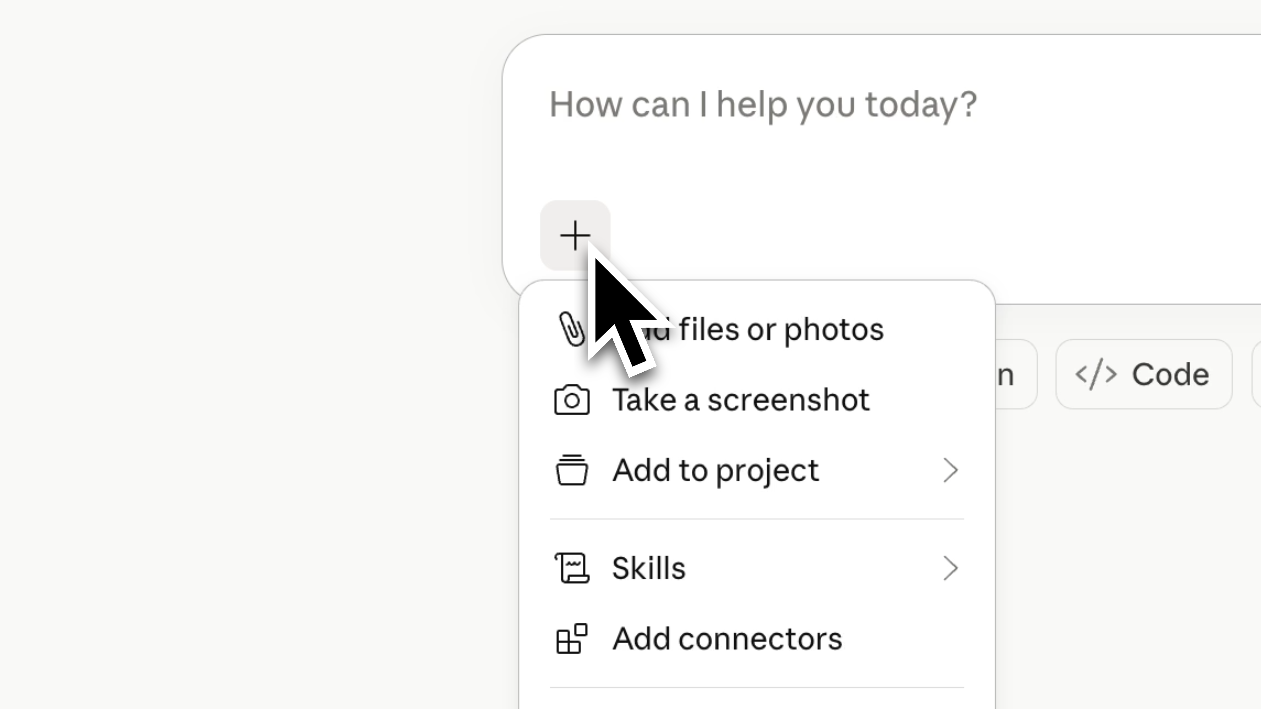
Click the + button on Claude.
Open Claude.ai and click the + button in the message composer.
The Natoma connector is now available in Claude. One install connects Claude to every enterprise application your team uses, with tool-call-level governance on every action.
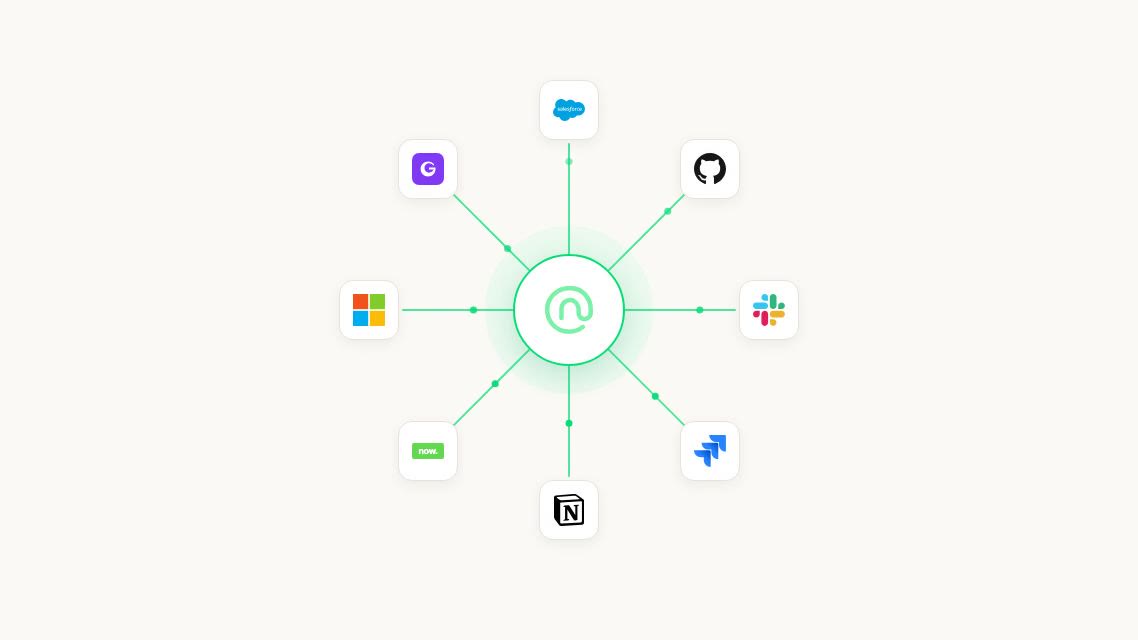

One install in Claude, and your team can reach every governed enterprise tool. Salesforce, Gong, Slack, Snowflake, ServiceNow, on-prem. Every tool call audited.
The Natoma connector is available to every Claude user today. Install once, and Claude can reach every enterprise tool your team has connected through Natoma.
Open Claude.ai and click the + button in the message composer.
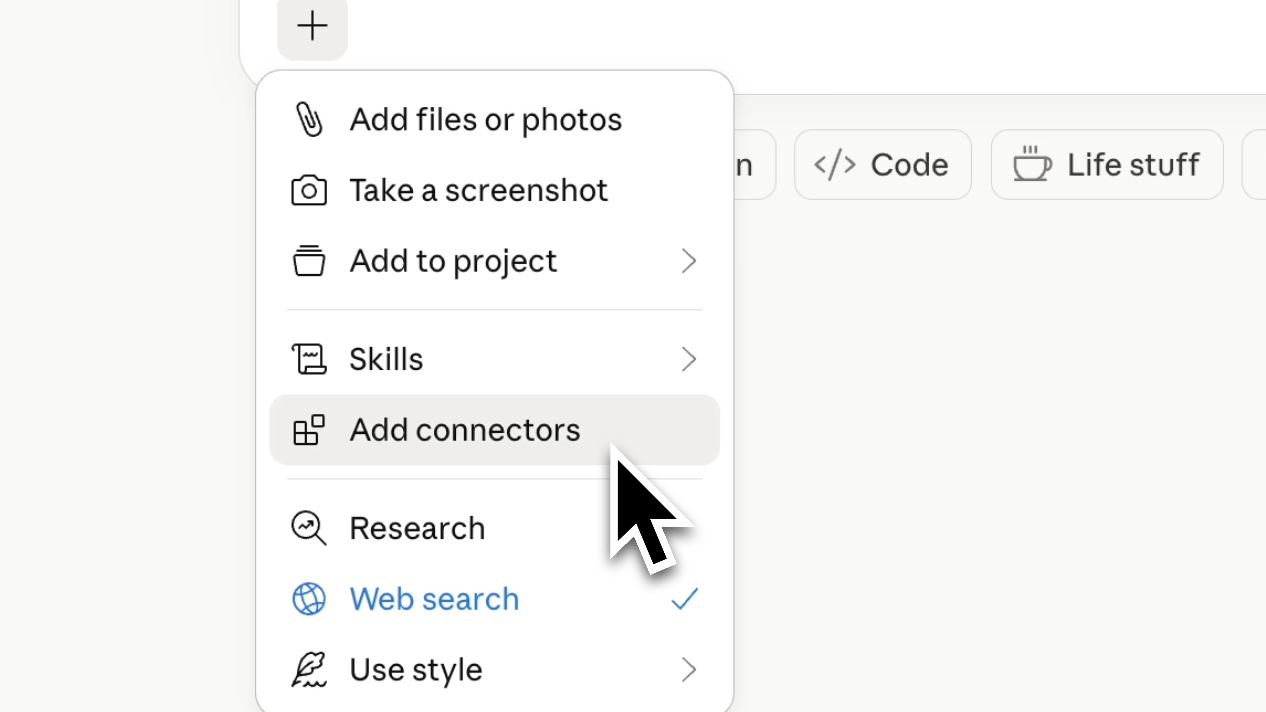
Pick Add connectors from the menu.
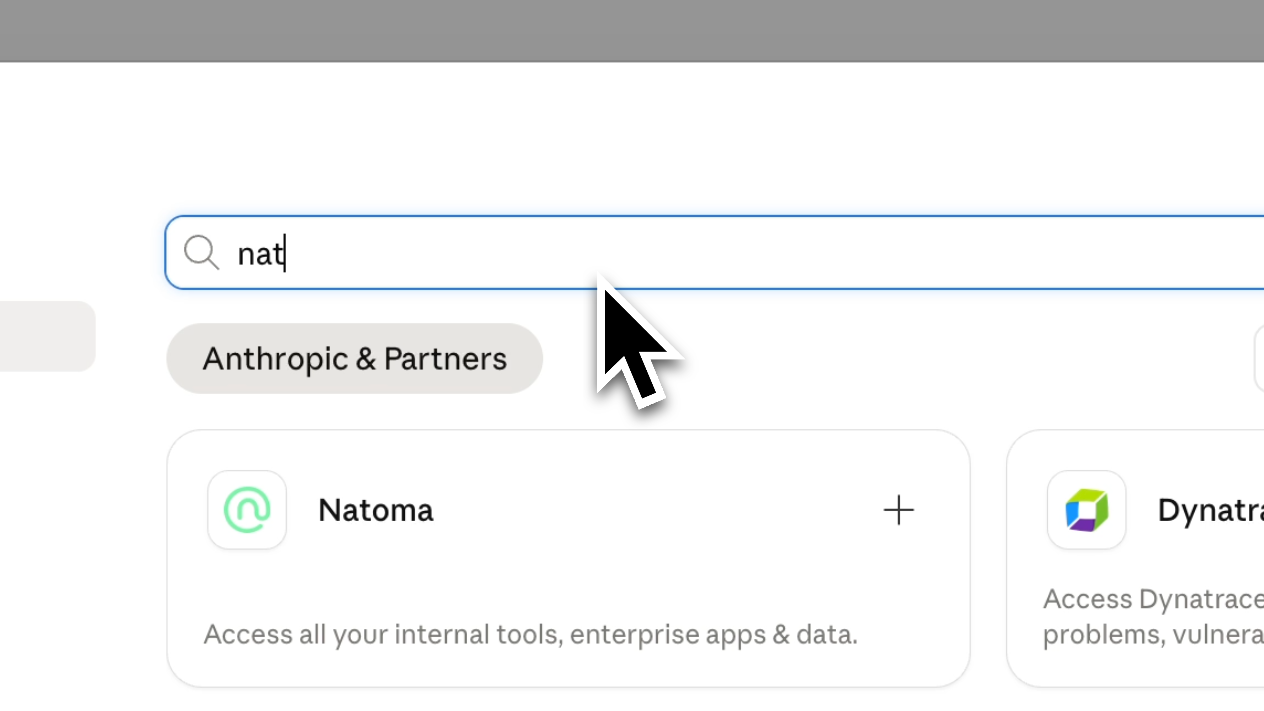
Find Natoma in the connector directory.
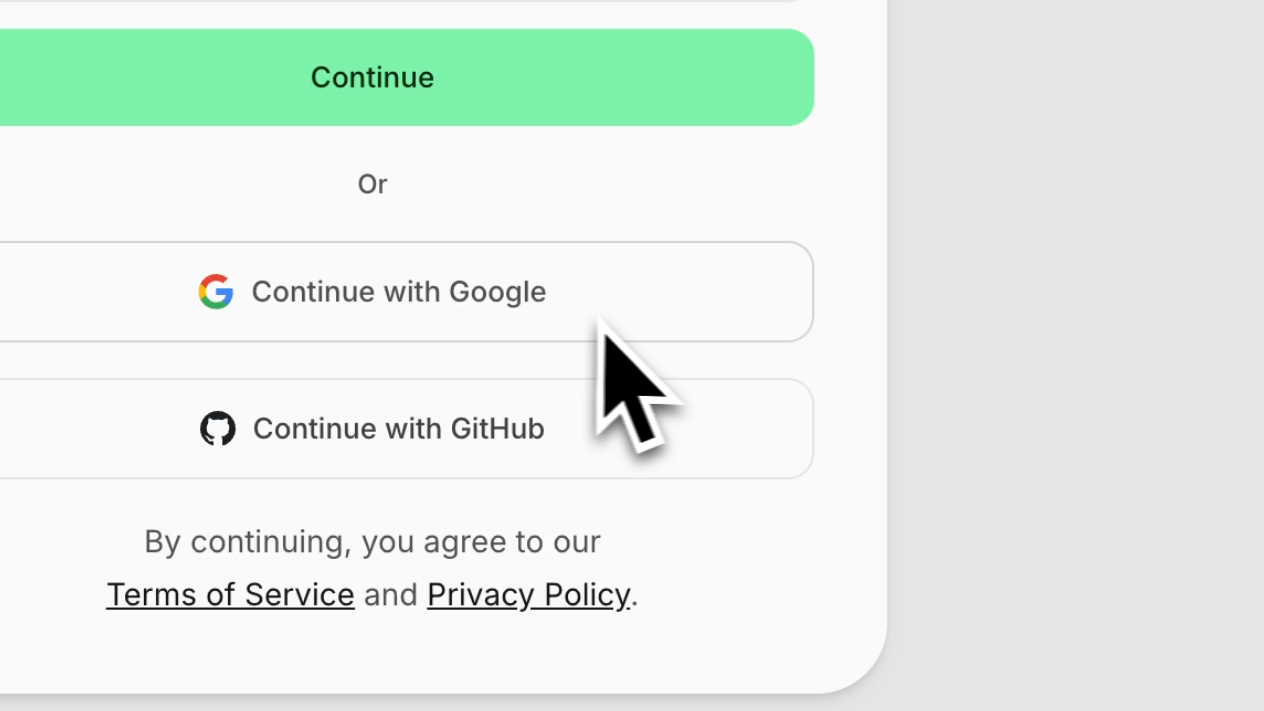
Sign in to your Natoma account to authorize the connector.
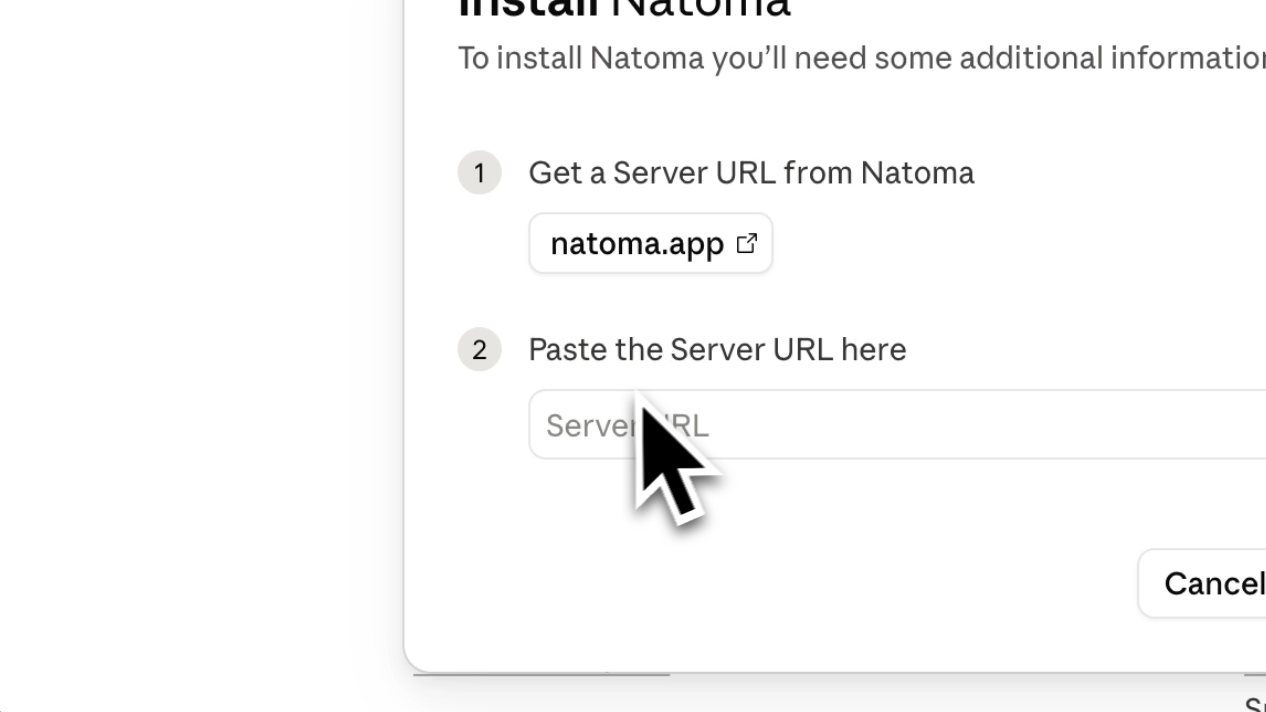
Copy the server URL from natoma.app and paste it into Claude to finish the install.
Every team. Every tool. Every action governed.
Deploy from a verified server library, or bring your own. Cloud, desktop, or self-hosted. Centralized configuration. No scattered local setups.
Standardize toolkits and skills with Profiles: predefined tool access aligned to roles, departments, or functions. Deploy once. Scale Claude across your organization.
Control access with identity-aware policies, attribute-based authorization, data filters, and granular permissions. Define who can access which tools, and under what conditions.
Audit every tool call. Detect and bring Shadow AI and unmanaged connections under governance. Integrate with CrowdStrike, EDR, MDM, and SIEM systems for complete operational visibility.