Natoma for Slack

Connect Slack to AI tools like ChatGPT, Claude, Cursor, or even custom-built agents via Natoma. Give AI the ability to read valuable context from threads, send messages on your behalf, or update your status - helping you accomplish more without compromising security.
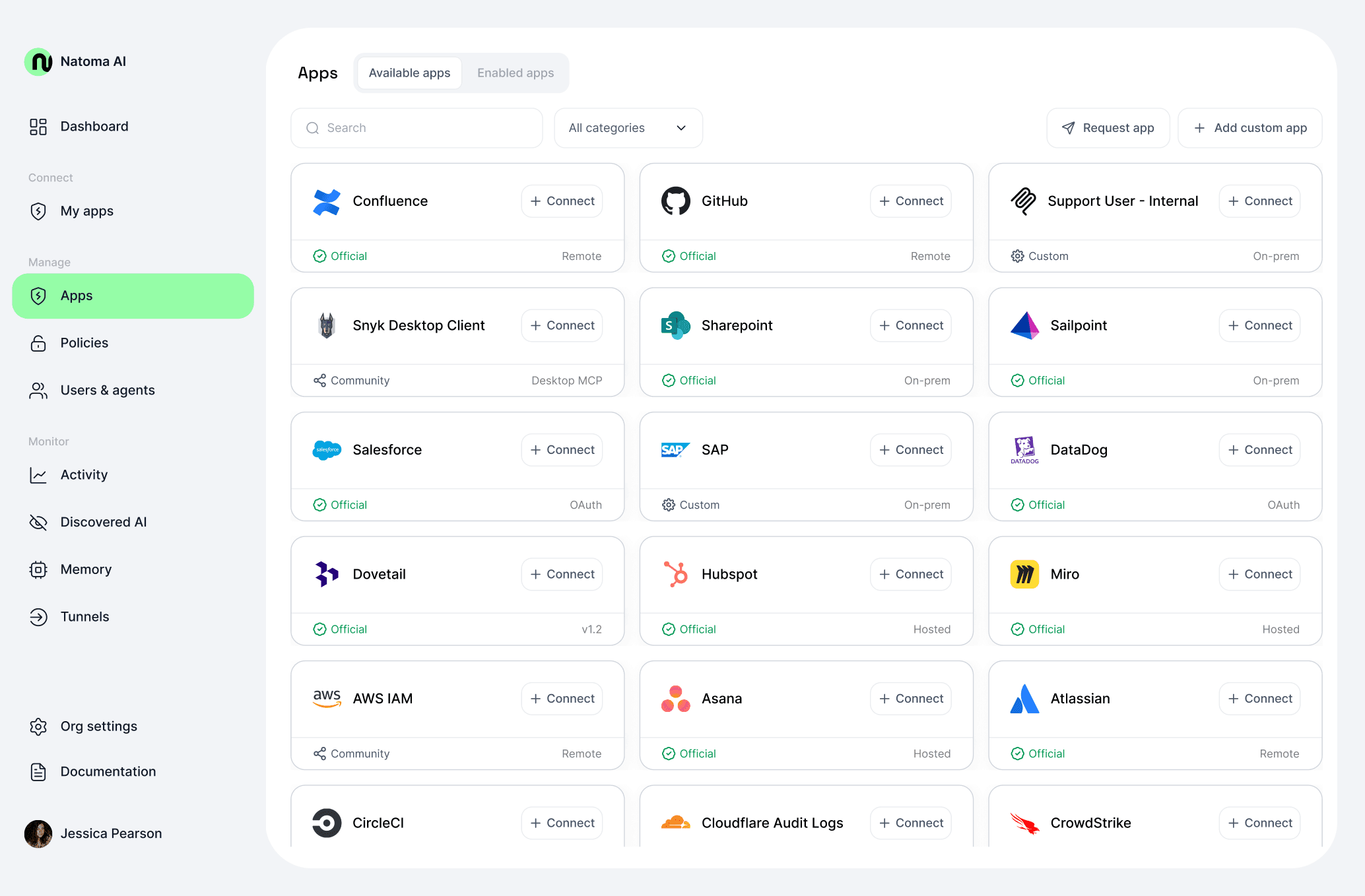
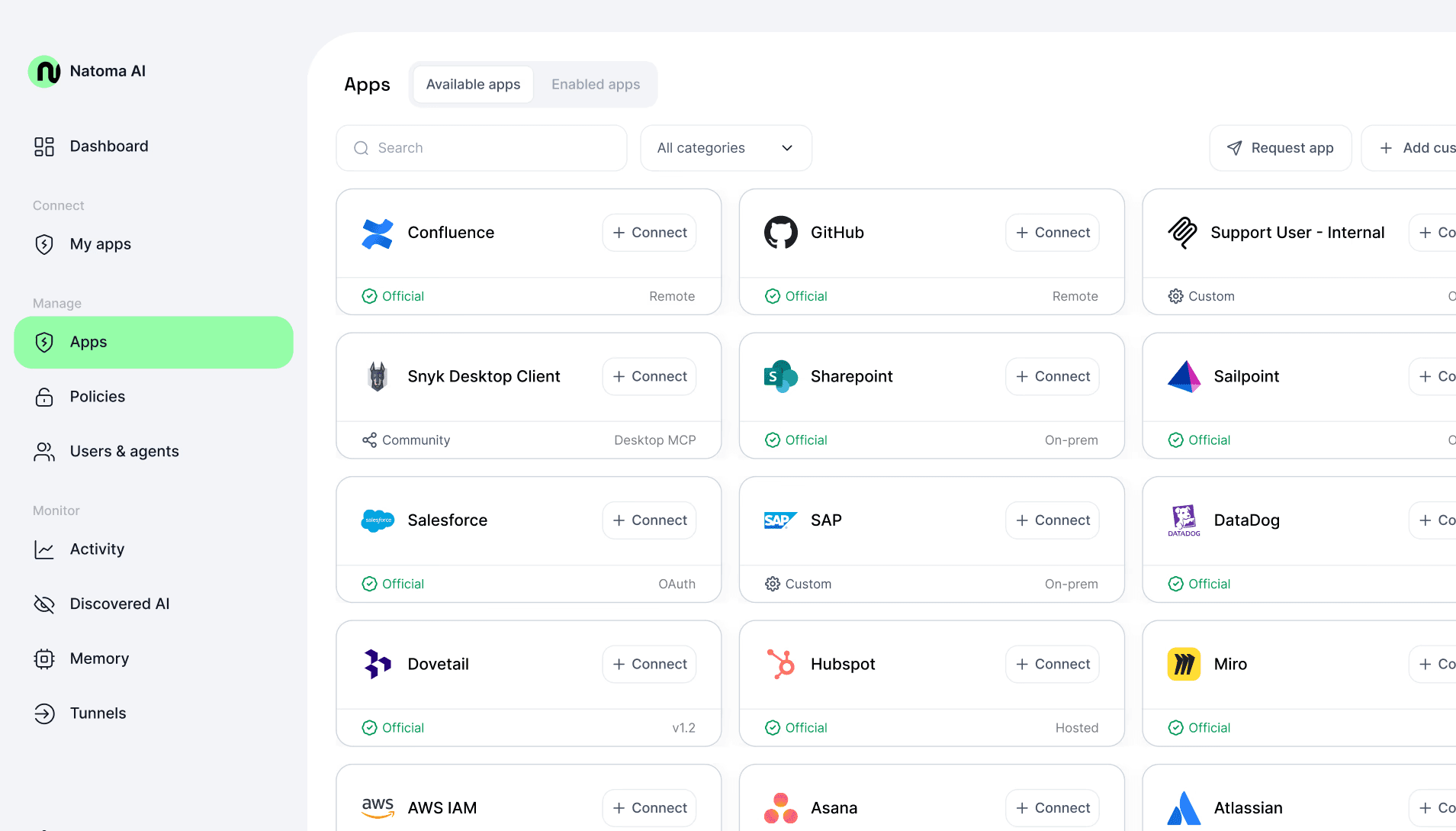
A screenshot of the Natoma interface, showing available MCP servers for an enterprise organization

Using Slack with Natoma

To use the full capabilities of Natoma in Slack, you must be part of a Natoma org. Don't have one? Sign up here.

  1. Add the app to your Slack workspace

  2. Log in to Natoma

  3. On the Apps page, enable personal connections for the Slack Community application

  4. On the My Connections page, create a new personal connection

  5. Click Get Config in the top right corner of your browser and add this connection to your AI client of choice

  1. Add the app to your Slack workspace

  2. Log in to Natoma

  3. On the Apps page, enable personal connections for the Slack Community application

  4. On the My Connections page, create a new personal connection

  5. Click Get Config in the top right corner of your browser and add this connection to your AI client of choice

  1. Add the app to your Slack workspace

  2. Log in to Natoma

  3. On the Apps page, enable personal connections for the Slack Community application

  4. On the My Connections page, create a new personal connection

  5. Click Get Config in the top right corner of your browser and add this connection to your AI client of choice

Having issues?

Experiencing issues with Natoma's Slack app? Reach out to us at support@natomahq.com and we'll be happy to help! Alternatively, you can contact us through the chat feature in Natoma's web app.

For privacy details regarding Natoma's Slack app, check the privacy policy.

Learn more about Natoma and the MCP ecosystem

Frequently-Asked Questions

What is Natoma?

What is Natoma?

What is Natoma?

What is MCP vs RAG?

What is MCP vs RAG?

What is MCP vs RAG?

What AI clients support MCP?

What AI clients support MCP?

What AI clients support MCP?

Is MCP from OpenAI or Anthropic?

Is MCP from OpenAI or Anthropic?

Is MCP from OpenAI or Anthropic?

How does Natoma handle security and access control?

How does Natoma handle security and access control?

How does Natoma handle security and access control?

Can I try Natoma for free?

Can I try Natoma for free?

Can I try Natoma for free?

What makes Natoma different from building custom AI integrations?

What makes Natoma different from building custom AI integrations?

What makes Natoma different from building custom AI integrations?

Natoma enables you to safely and easily connect AI systems to your enterprise data.

SOC2 certified

GDPR compliant

CCPA

US Data Privacy

Copyright 2026 Natoma Labs, Inc.

Natoma enables you to safely and easily connect AI systems to your enterprise data.

SOC2 certified

GDPR compliant

CCPA

US Data Privacy

Copyright 2026 Natoma Labs, Inc.

Natoma enables you to safely and easily connect AI systems to your enterprise data.

SOC2 certified

GDPR compliant

CCPA

US Data Privacy

Copyright 2026 Natoma Labs, Inc.